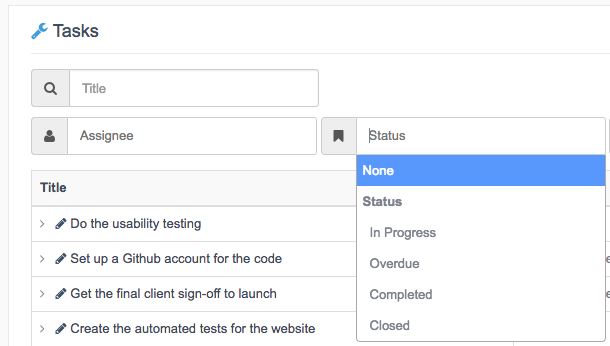
You can choose to automatically show or hide completed items in UpStream.
If you have a busy site with 1,000’s of items, you may want to hide items. This will make your site run more quickly. On smaller sites, it may be better to show closed items so you can easily see what’s been completed.
These settings are available in UpStream > Settings.
- Archive Closed Items: This will entirely remove completed items from the front of your site. This can speed up your page loads if you have a very busy site.
- Filter Closed Items: This will hide completed items by default, but users can still use filters to view them.

If you set “Archived Closed Items” to “No”, then you will still be able to search for “Closed” items, as in the image below. However, if you set “Archived Closed Items” to “Yes”, you won’t be able to find closed items at all.