
It is possible to allow your Clients access to projects via the frontend of your WordPress site.
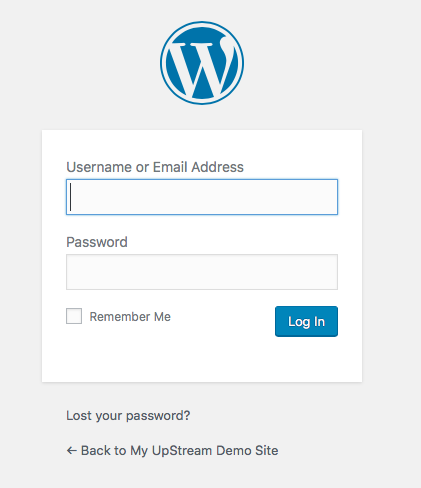
The main Projects screen is at a specific URL which will usually be /projects/. When you visit this URL, you’ll see the normal WordPress login screen:
After logging-in, you will see the full project screen. This is a full-screen view and will not use your normal WordPress theme.
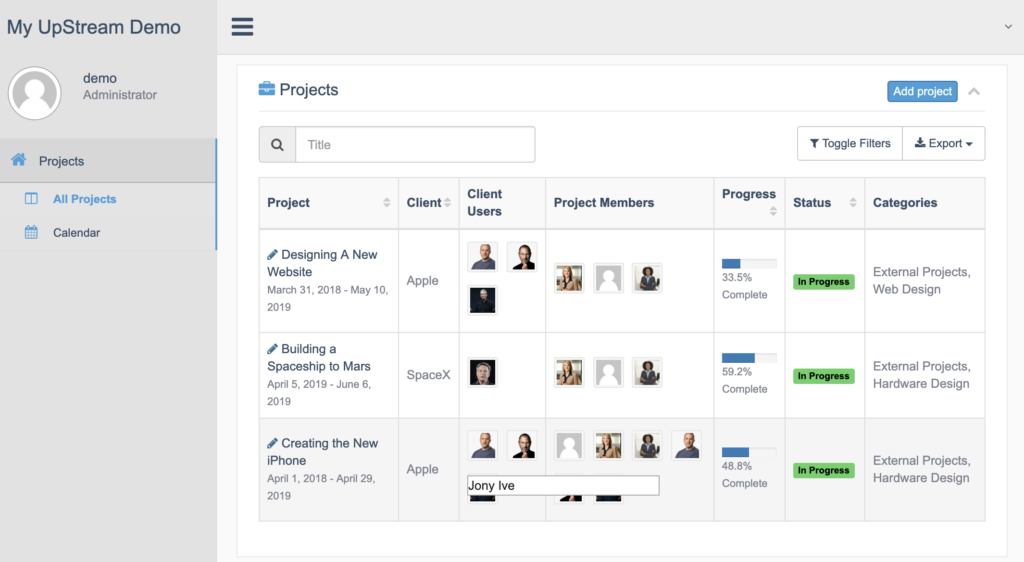
By default, everyone who has access to the project can see the current details via the front-end screen.
If you want Clients to edit the project, add tasks and have discussions via the front-end, you’ll need the Frontend Edit extension.
After installing and activating this extension, new buttons will appear on the frontend that will allow logged in users to easily edit, delete or add new items which then appear directly within the project.
You can change the colors and logos on this screen using the Customizer extension.